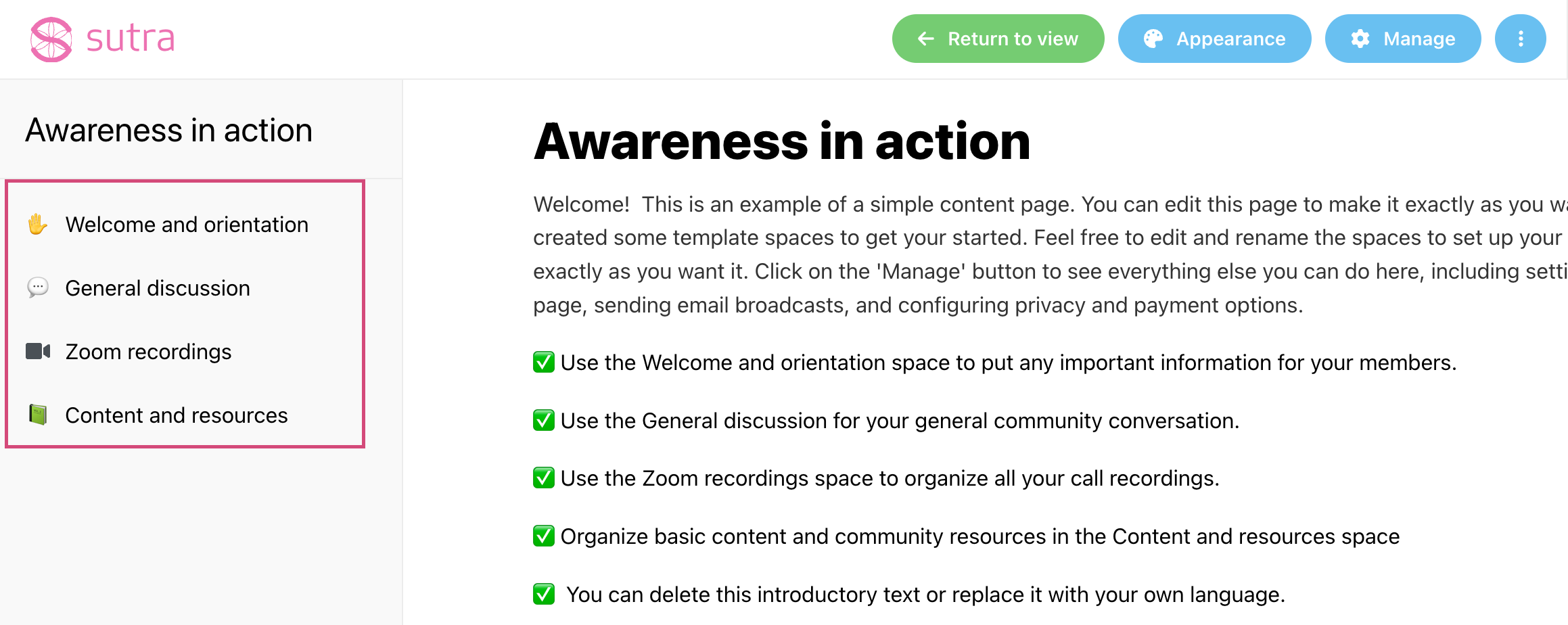
You can choose individual emojis for your program sub spaces.
Here are the steps:
1. Switch to the Edit page mode.
2. Click on the lightning bolt next to the sub space on the left sidebar:
3. Pick an emoji or an icon for this sub space: